






Category: How To?

Learning how to use a Cricut machine for beginners starts with three simple steps: install Design Space, connect your machine over USB or Bluetooth,…

To make labels with Cricut Joy, open Cricut Design Space, type your text or upload a design, choose Smart Label material, set the machine…
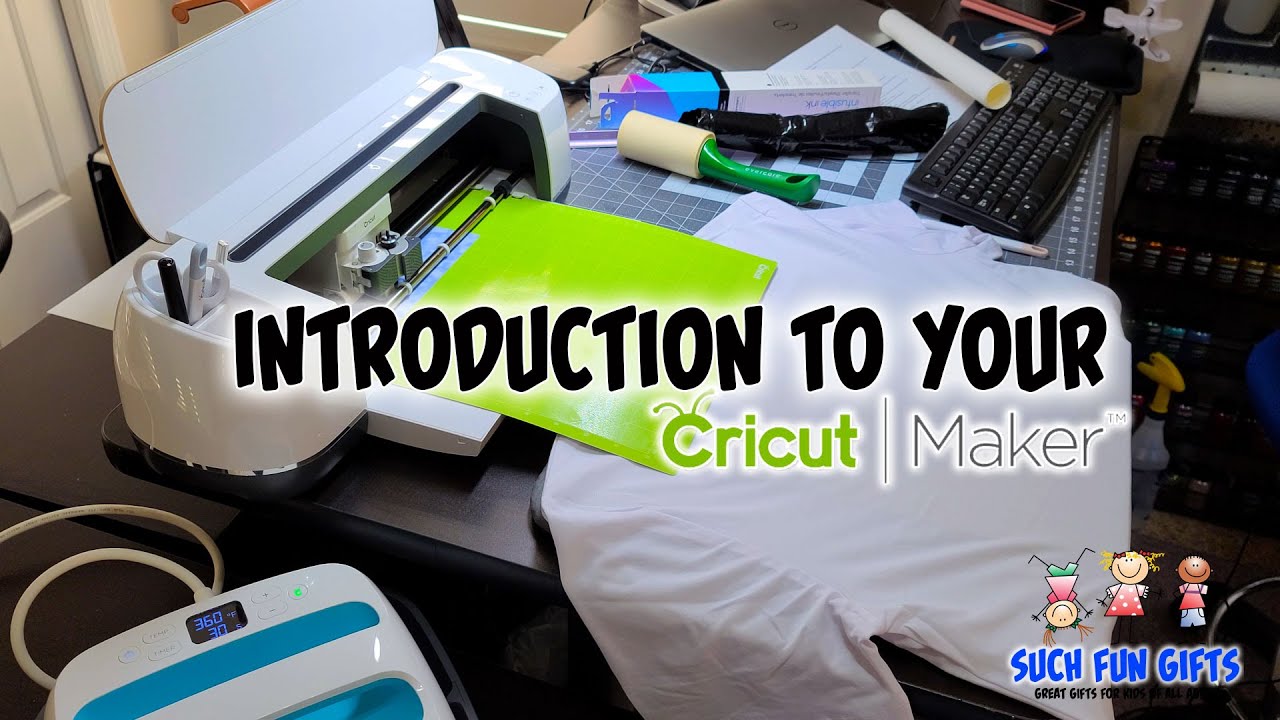
To make t-shirts with a Cricut, open Cricut Design Space, add your SVG design, size it to fit the shirt, mirror the image for…

To use Cricut Design Space, download the free app, open a new project on the Canvas, then upload or add an image, arrange and…

To use Cricut Joy with your phone, download the free Cricut Design Space app from the App Store or Google Play, turn the machine…

To use Cricut with an iPhone, download the free Cricut Design Space app from the App Store, sign in with your Cricut ID, and…

To use a Silhouette Cameo 4, install Silhouette Studio on your computer, open or import your design, load your material onto the cutting mat,…

1. Choose the product you want to buy 2. View Cart & Proceed to Checkout 3. Place Order 4. Access Your Account First of…

To cut and apply Cricut vinyl, load your design in Cricut Design Space, pick the matching material setting, cut adhesive vinyl on a green…

Learning how to use Cricut for the first time means unboxing the machine, connecting it to Design Space, loading your material on a cutting…