




Tutorials – How To Use?
 Featured
PNG Files for Sublimation: The Complete Guide
Sublimation ink does exactly what the file tells it to, so a washed-out print is usually a washed-out PNG. The four things that decide a clean transfer: resolution, transparency, color space, mirroring.
 SVG DROP Editorial Team
The SVG DROP editorial team creates and curates…
Attach, Weld, and Flatten look interchangeable until you pick the wrong one and lose your layers for good. The Layers panel, aligning before the cut, and which of the three each job actually calls for.
Design Space takes SVG uploads on every platform, but the route differs between desktop and mobile and the file has to be unzipped first. Each path step by step, plus fixes for uploads that fail or cut flat.
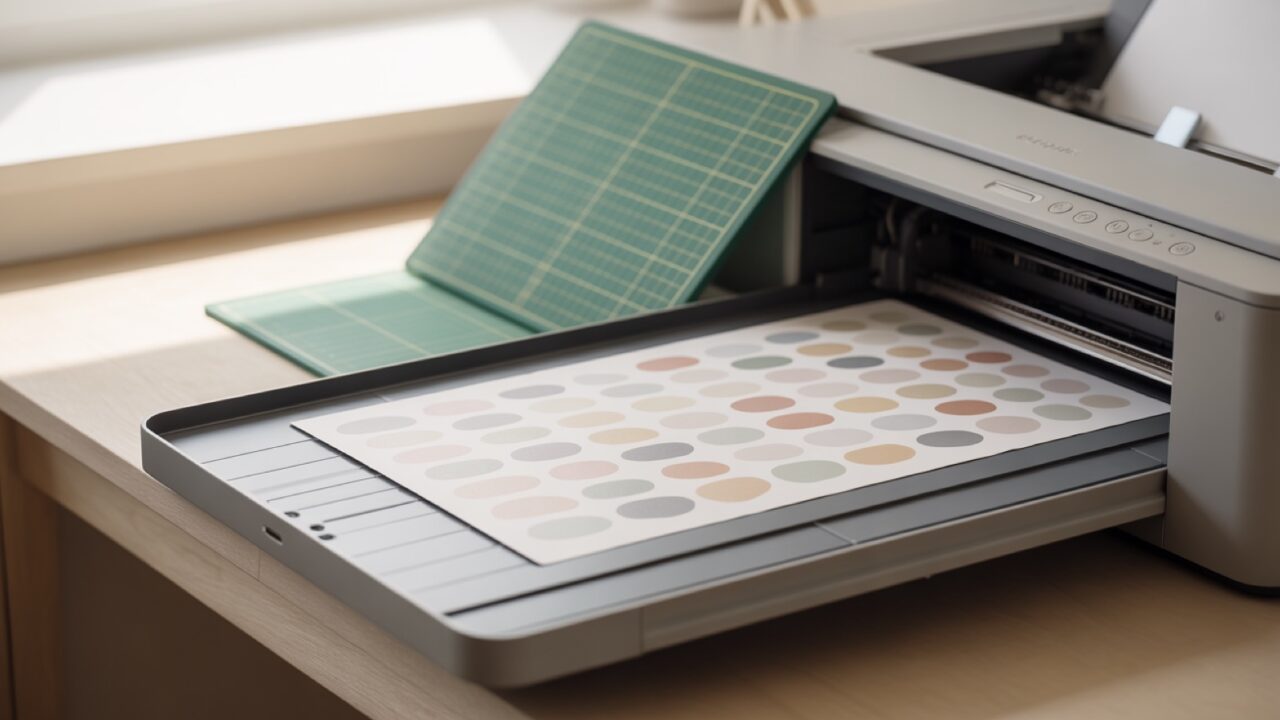
Print Then Cut reads a printed registration box, not your artwork, so most failures trace back to the file or the paper rather than the machine. Settings, calibration, and the size limits that still apply.
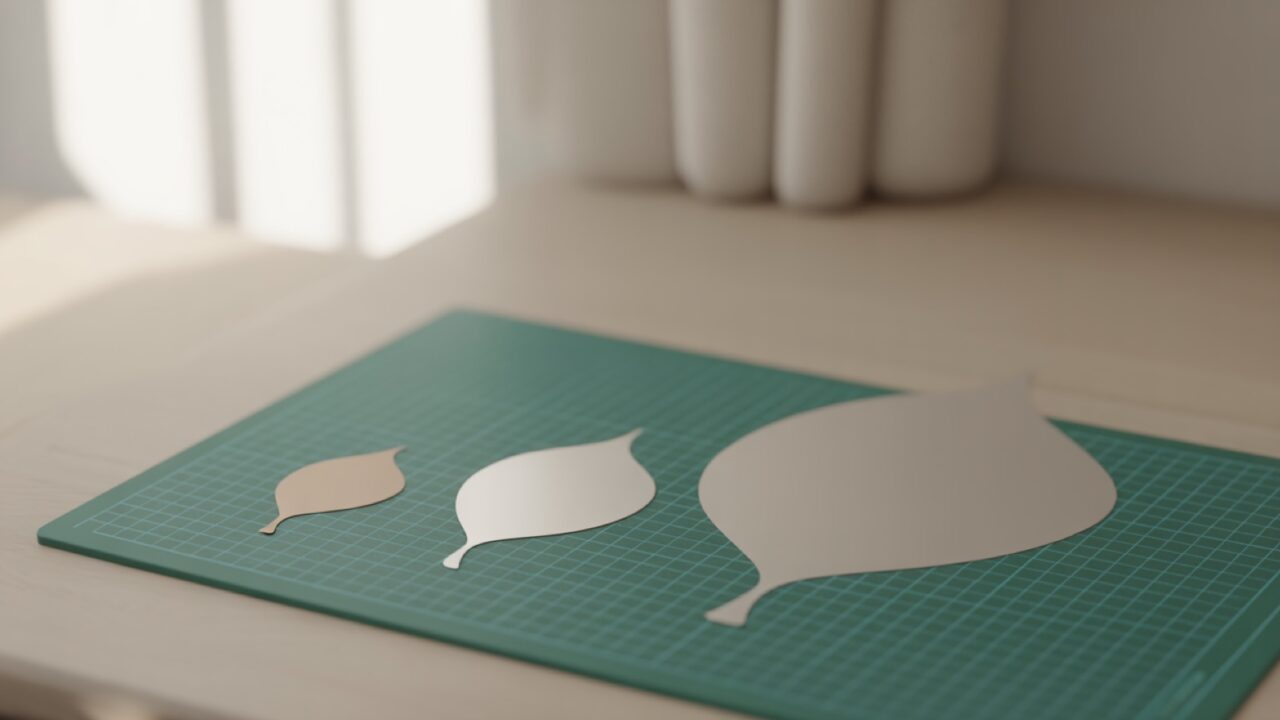
Vectors redraw at every size, so an SVG does not go blurry when you scale it. What does break is stroke weight, fine detail, and the blade minimum. Resizing in Design Space, Silhouette Studio, Inkscape.
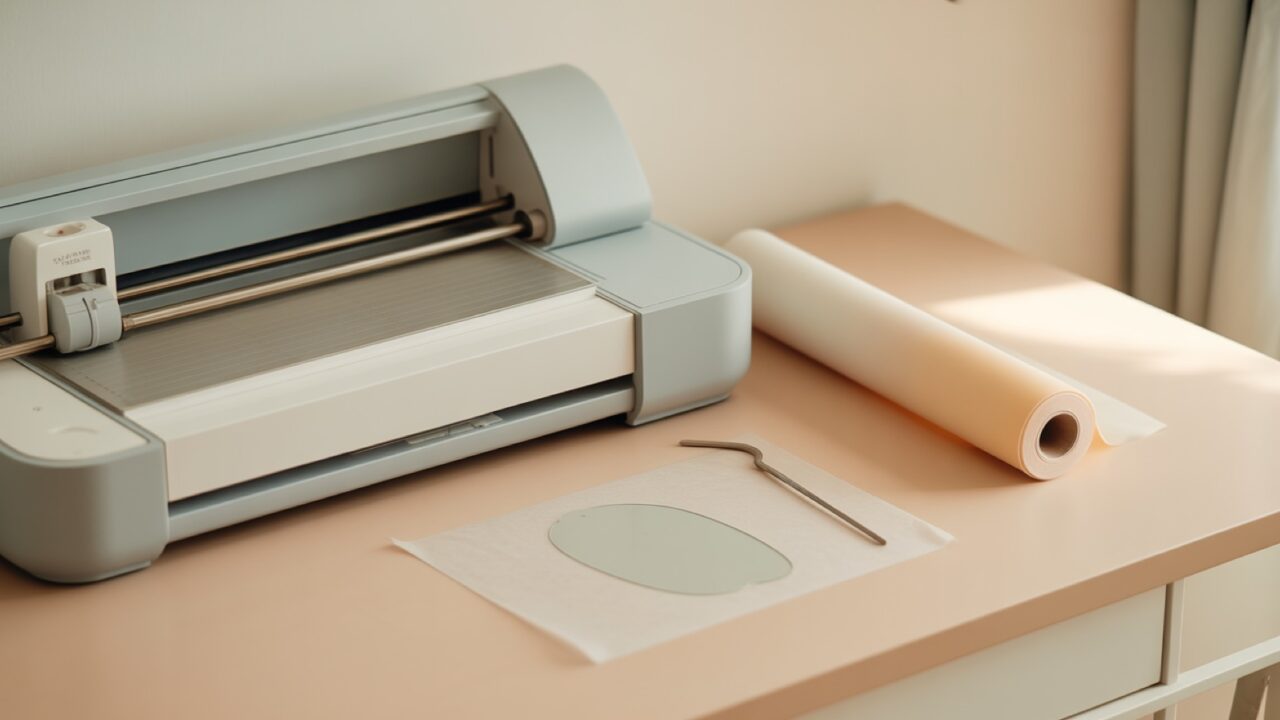
A first Cameo cut fails on setup far more often than on skill: blade depth wrong, material setting wrong, mat loaded crooked. This takes the machine from the box to a first cleanly weeded design, in order.
An SVG will not open by double-clicking on most machines, which is why a fresh download so often looks broken. Opening one on Windows, Mac, phone, Cricut Design Space, and Silhouette Studio, one route at a time.
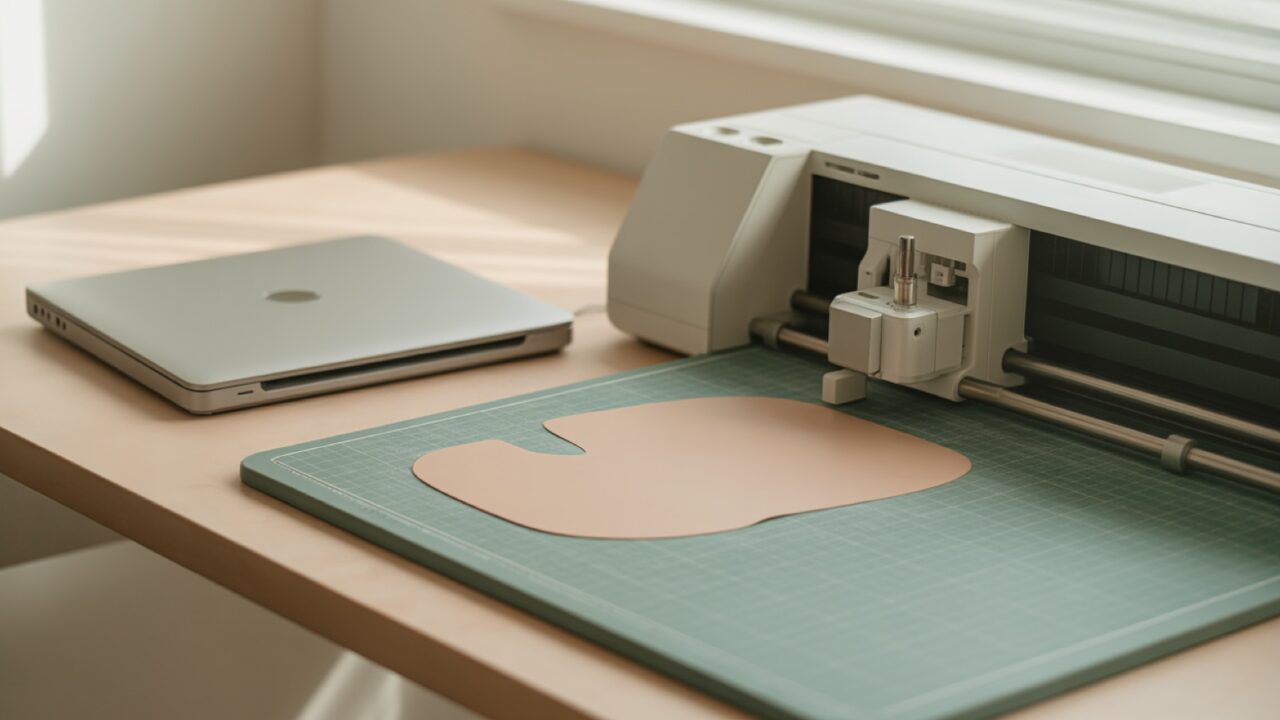
Silhouette Studio Basic will not import an SVG at all, which catches out most new Cameo owners. Designer Edition unlocks the format, and a DXF route gets you cutting today without paying for the upgrade.
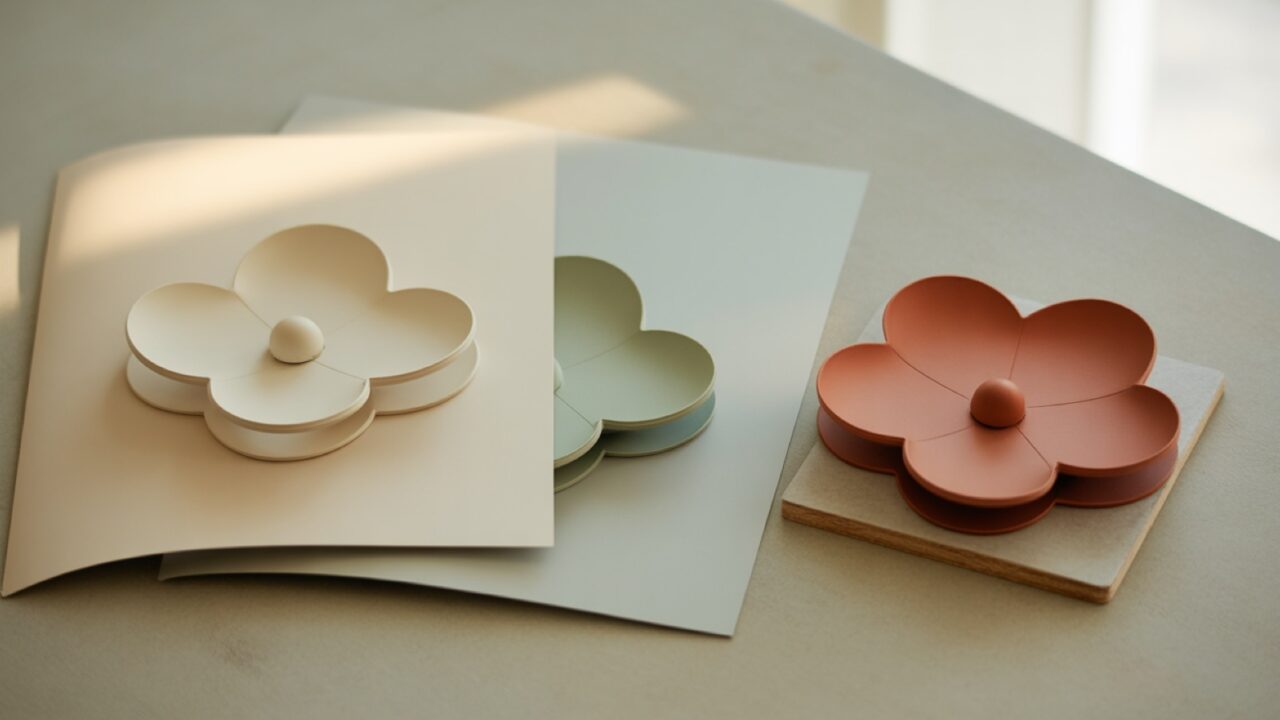
A layered SVG keeps every color as its own shape, so one file becomes several cuts that stack into the finished design. What separates a genuinely layered file from a flat one, and how to tell them apart.
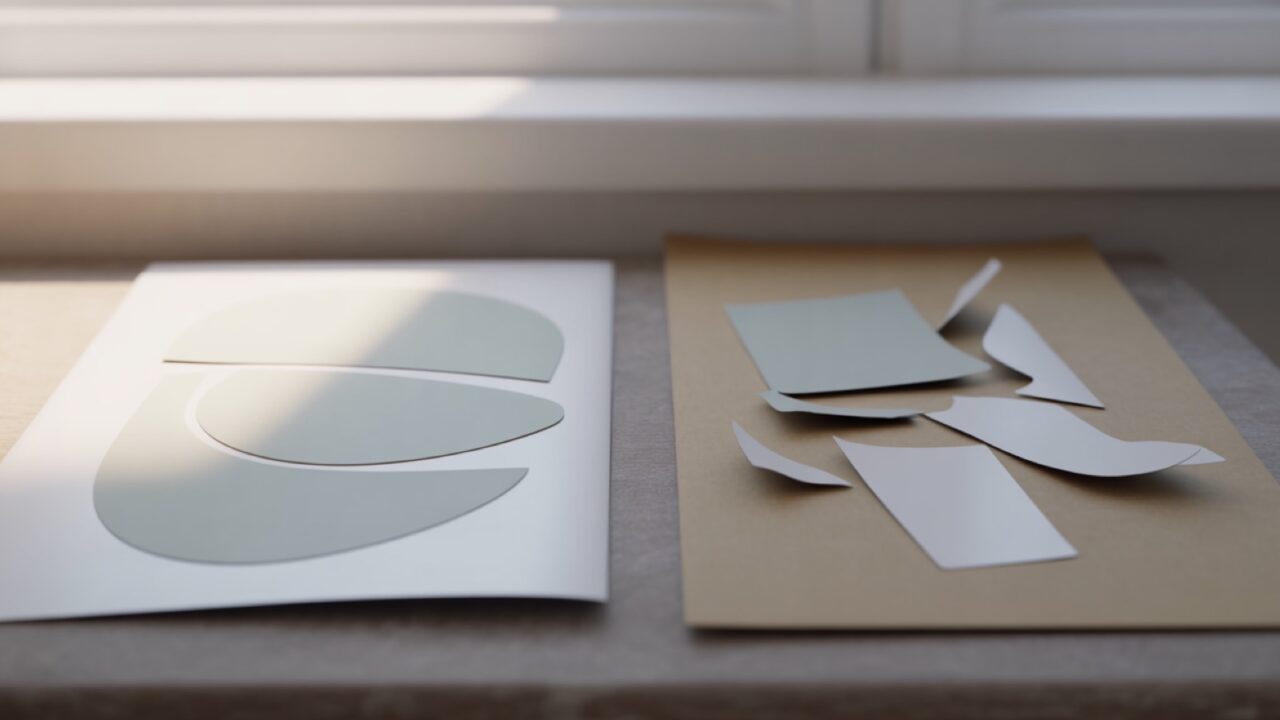
Two SVG files of the same design can cut very differently. Node count, layer separation, the formats in the bundle, and the license all tell you which one is worth buying before you spend anything on it.