



Category: Cricut Machine
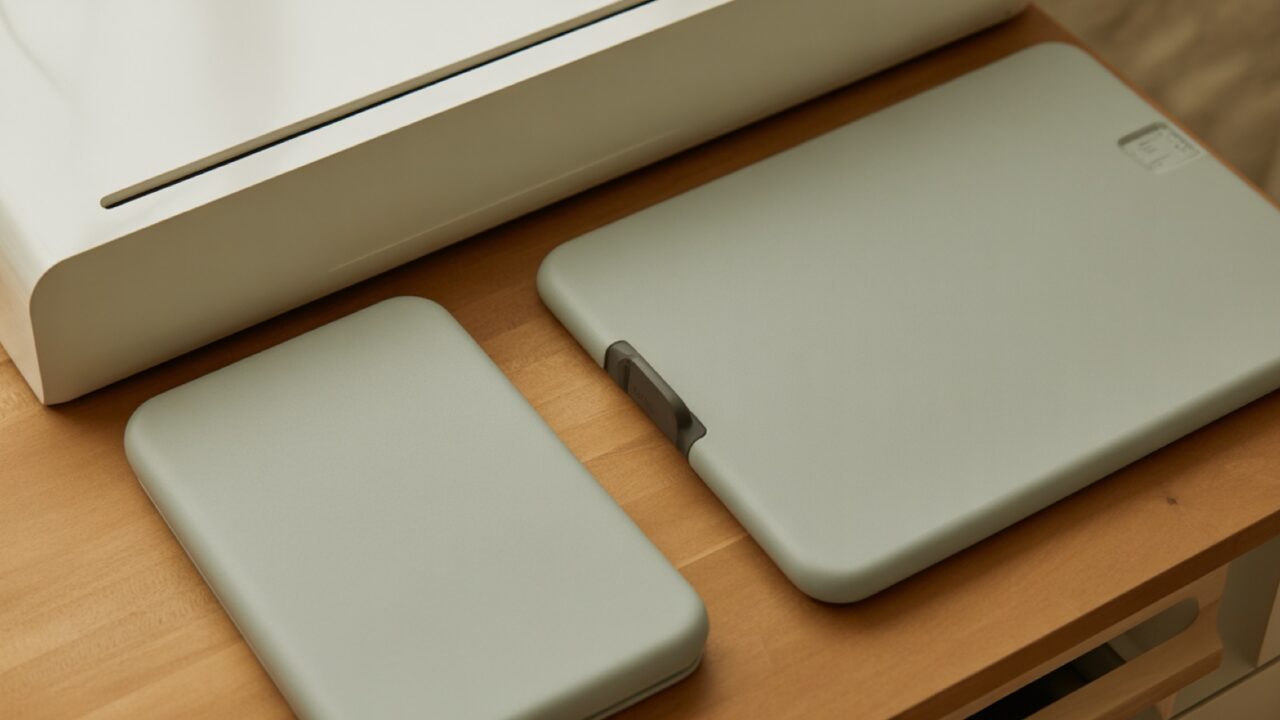
Cricut Maker 5 replaced the Maker 4 in September 2026 with a smaller body, 3 mm material clearance and modern connectors. A specification comparison, what the extra clearance is actually for, and when a discounted Maker 4 is the better buy.

A practical walkthrough of Print Then Cut sticker making on a Cricut, covering printer and paper requirements, the Create Sticker and Offset routes, calibration, kiss cut against die cut, and how to make finished stickers waterproof.

Learning how to use a Cricut machine for beginners starts with three simple steps: install Design Space, connect your machine over USB or Bluetooth,…

To make labels with Cricut Joy, open Cricut Design Space, type your text or upload a design, choose Smart Label material, set the machine…
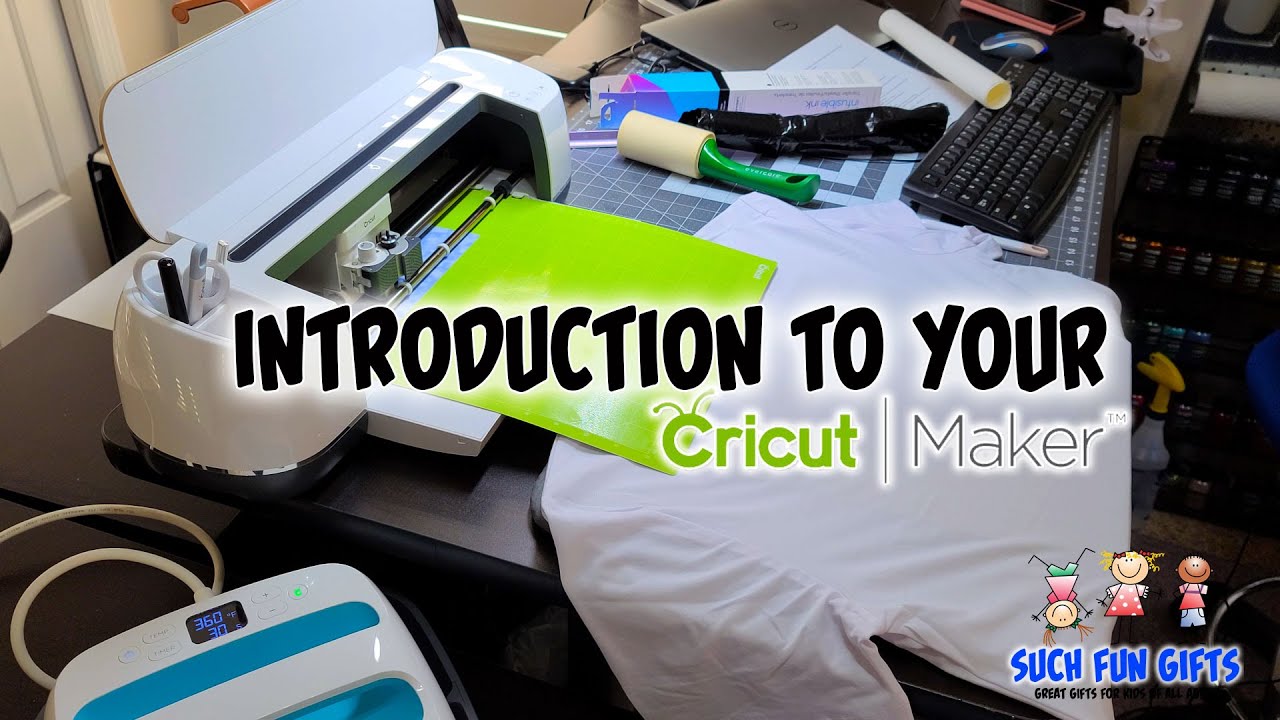
To make t-shirts with a Cricut, open Cricut Design Space, add your SVG design, size it to fit the shirt, mirror the image for…

To use Cricut Joy with your phone, download the free Cricut Design Space app from the App Store or Google Play, turn the machine…

To use Cricut with an iPhone, download the free Cricut Design Space app from the App Store, sign in with your Cricut ID, and…
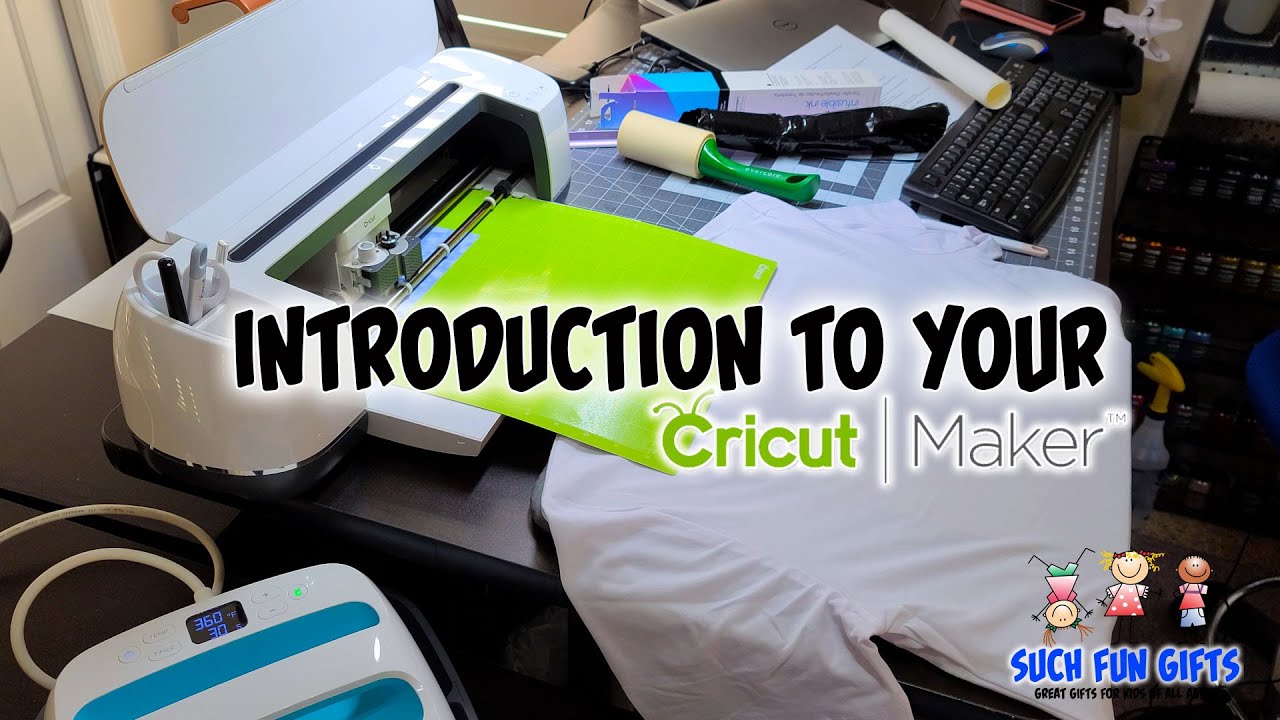
Cricut Maker t-shirts come together by cutting your design from heat transfer vinyl or Infusible Ink, then pressing it onto fabric with a heat…

To cut and apply Cricut vinyl, load your design in Cricut Design Space, pick the matching material setting, cut adhesive vinyl on a green…