
Skip to content
Any 5 files for $ 9.99, mix and match Instant download on every order Commercial license included on paid files
Journal

Tutorials – How To Use?

Discount Codes · 1 min read
10% Discount Code

Hi! If you use this coupon code, you will get 10% discount for your purchases over $10. Coupon Code: 10SVGDROP

SVG DROP Editorial Team · April 23, 2022
Discount Codes · 1 min read
20% Discount Code

Hi! If you use this coupon code, you will get 20% discount for your purchases over $20. Coupon Code: 20SVGDROP

SVG DROP Editorial Team · April 22, 2022
Discount Codes · 1 min read
30% Discount Code

Hi! If you use this coupon code, you will get 30% discount for your purchases over $30. Coupon Code: 30SVGDROP

SVG DROP Editorial Team · April 21, 2022
Design Ideas · 10 min read
T-Shirt Design Ideas: 12 SVG Cut File Projects

Looking for fresh t-shirt design ideas? The fastest way to make a custom shirt is to start with a ready-made SVG or PNG cut…

SVG DROP Editorial Team · February 7, 2022
How To? · 9 min read
How to Use Silhouette Cameo 4: Beginner’s Guide

To use a Silhouette Cameo 4, install Silhouette Studio on your computer, open or import your design, load your material onto the cutting mat,…

SVG DROP Editorial Team · February 5, 2022
How To? · 1 min read
How to Download Your Items?

1. Choose the product you want to buy 2. View Cart & Proceed to Checkout 3. Place Order 4. Access Your Account First of…
SVG DROP Editorial Team · December 14, 2021
Cricut Machine · 9 min read
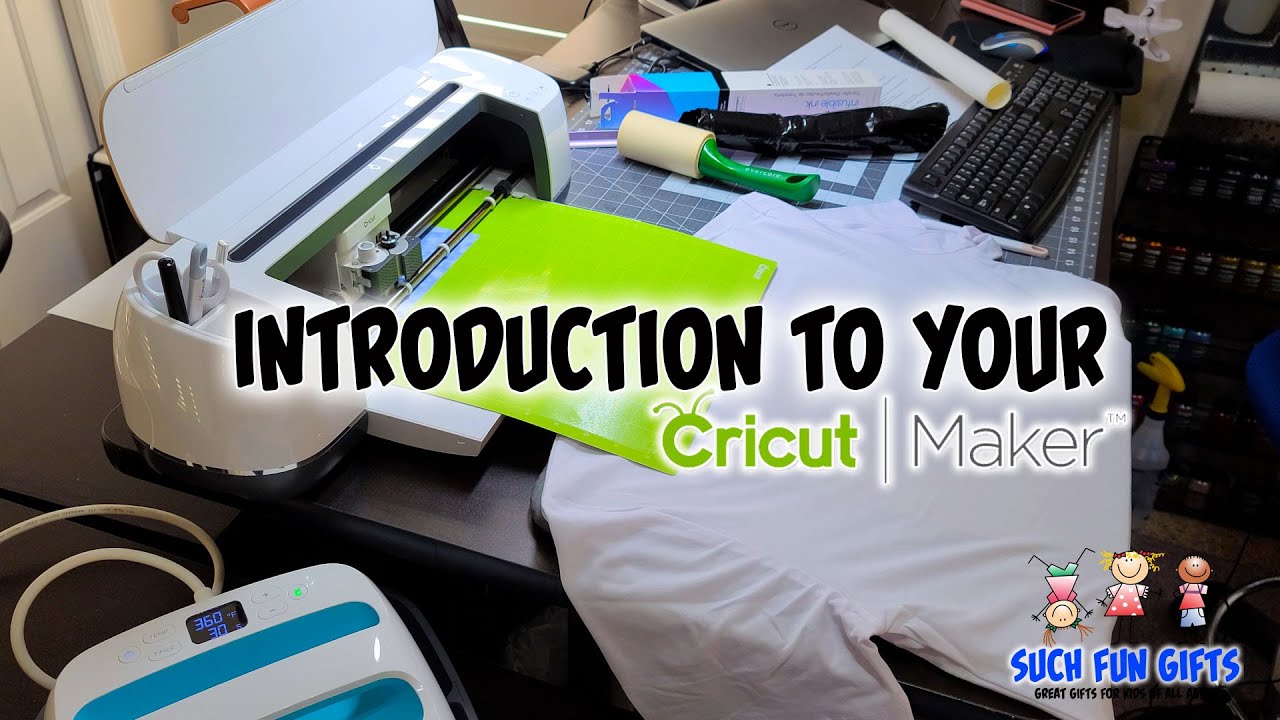
Cricut Maker T-Shirts: HTV and Infusible Ink Guide

Cricut Maker t-shirts come together by cutting your design from heat transfer vinyl or Infusible Ink, then pressing it onto fabric with a heat…

SVG DROP Editorial Team · December 3, 2021
Cricut Machine · 9 min read
How to Cut and Apply Cricut Vinyl: Beginner Guide

To cut and apply Cricut vinyl, load your design in Cricut Design Space, pick the matching material setting, cut adhesive vinyl on a green…

SVG DROP Editorial Team · December 2, 2021
Tips & Tricks · 9 min read
Group and Ungroup in Cricut Design Space: Full Guide

To group and ungroup in Cricut Design Space, select two or more layers in the Layers panel and click Group to move them together…

SVG DROP Editorial Team · August 12, 2021
How To? · 9 min read
How to Use Cricut for the First Time: A Beginner Guide

Learning how to use Cricut for the first time means unboxing the machine, connecting it to Design Space, loading your material on a cutting…

SVG DROP Editorial Team · August 12, 2021

One free file every Friday

New releases, discount codes and a free cut file, once a week.

No spam · unsubscribe in one click